
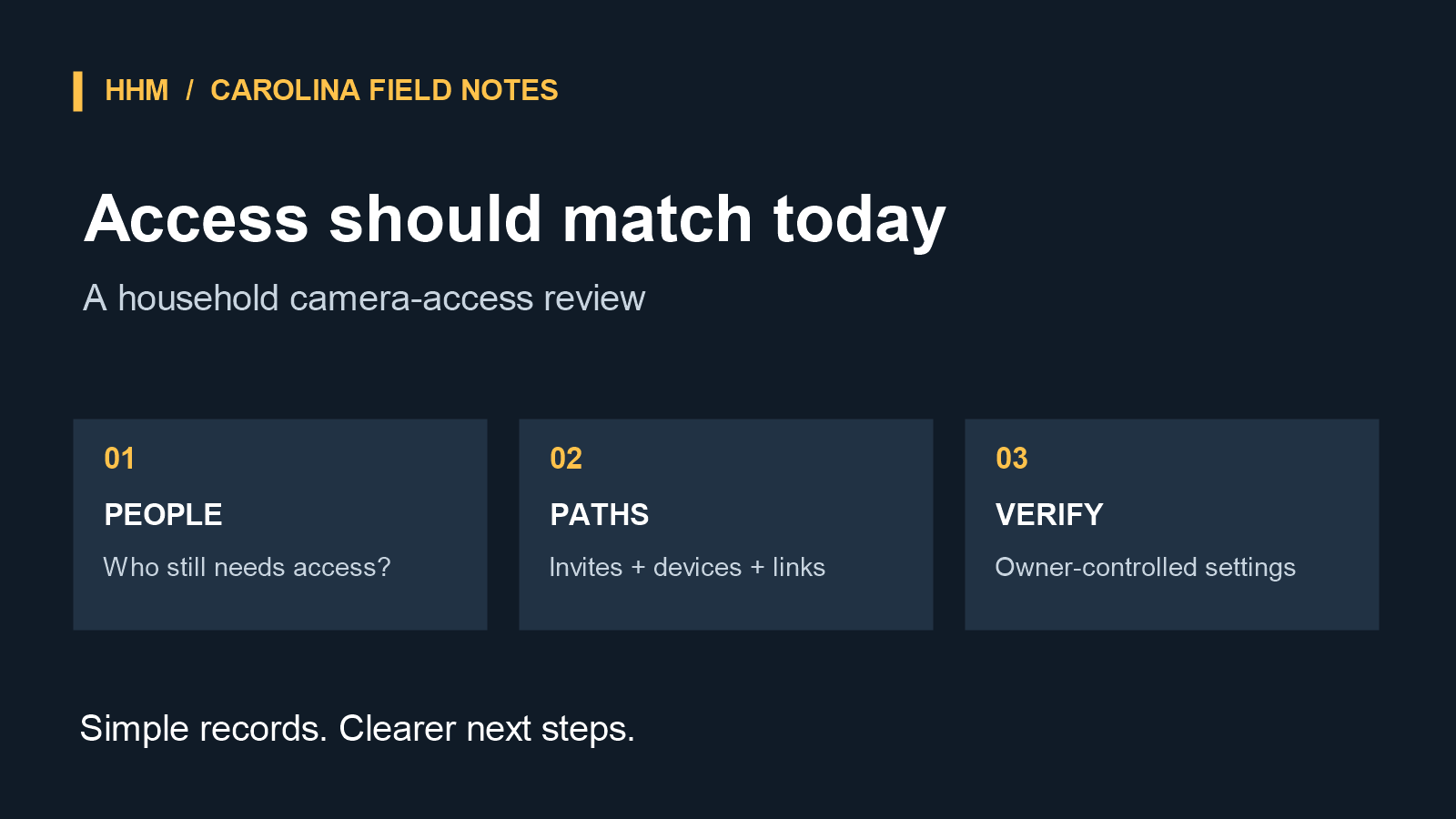
Camera access can outlast the reason it was granted. A family member changes living arrangements, a dog walker stops coming by, or a contractor finishes an installation. The cameras may be working as expected, but an old invitation, shared video link, or connected device may still be part of the account.
That makes access review a useful part of a household handoff—not a reason to replace a working camera system. This guide is for the authorized owner or administrator of a camera account who is reviewing access with the household’s permission. It is not a process for resolving a dispute about account ownership, access rights, or surveillance. For those situations, pause and use the provider’s ownership or account-recovery process.
Begin with the current household
Open the camera or connected-home app and look for its household, family, shared-user, member, guest, or permissions area. List each person shown, including pending invitations. For every name, ask whether that person still needs to view live video, receive alerts, review recordings, or change settings.
For people who no longer need access, use the provider’s documented removal control. If the app offers roles, locations, or device-by-device permissions, review those as well. Broad household access can be more extensive than it appears. Google documents distinct access roles: Full Access can view and control Nest products and invite others, while the owner has additional account-level controls. Ring documents account-owner controls for shared users, locations, devices, and permission levels. Names and choices vary by provider, so follow the instructions for the account and app in use.
Review the other ways a feed may be shared
The main member list is not always the whole picture. Review active video-sharing links, guest invitations, connected voice assistants, linked third-party services, and authorized phones, tablets, or computers where the provider offers those controls. These settings may be located separately from household-member permissions.
Shared links are worth revisiting after a temporary arrangement ends. Google’s Nest guidance distinguishes between inviting someone into a home and sharing a camera stream by link. For cameras managed in the Nest app, Google documents a stop-sharing control; stopping and later sharing again generates a new link. Link options vary by product and app. If a link’s purpose or audience is no longer clear, use the vendor’s sharing controls to end it before creating any replacement share for a current need.
Also review signed-in or authorized devices when the provider makes that information available. An old household tablet, a browser remembered on a borrowed computer, or a device that the authorized owner does not recognize calls for a careful account review. Check the provider’s documented device and session controls before changing credentials; effects on sessions, recordings, subscriptions, and linked services vary by provider. Follow the vendor’s documented steps for reviewing devices, removing access, securing the account, and recovering an account when necessary.
Use individual access rather than a shared login
Shared primary credentials make a later handoff harder. When the platform supports invitations or shared-user access, it is generally clearer to give each person their own access than to share the primary account login. That lets the authorized owner review and remove a specific person’s permissions without disrupting every household member.
The Federal Trade Commission recommends strong, unique passwords and two-factor authentication for camera cloud accounts when available. These are useful account-security practices, especially when the authorized owner is following the provider’s recovery or security instructions. Review the recovery email addresses, phone numbers, and trusted devices as well, so they are current and controlled by the authorized account owner.
Make access review part of the renovation handoff
In a Carolina home renovation, camera wiring, doorbells, displays, and connected-home controls can be completed before the household settles into its new routines. A final handoff conversation is a sensible time to identify which app manages each installed camera, who is intended to administer it, and where that provider documents shared access. The account itself should remain with its authorized owner; the goal is simply to leave the household with a clear, practical record of its own controls.
For a temporary helper or contractor, agree on the end date before access is granted and place a calendar reminder for the final day of work. At that time, the authorized owner can confirm that the invitation, device access, and any temporary link have been reviewed. For a household move or change, add camera-account review to the same list as keys, mail forwarding, and emergency contacts.
Removing a person’s access is different from removing or factory-resetting a camera. Provider documentation may describe different effects on recordings, subscriptions, and other household members, so check it before making a device-level change. A focused, owner-authorized review—current people, current permissions, current sharing paths—can keep account access aligned with the home as it is today.
If you are planning a renovation or have questions about the handoff of an installed system, schedule a site visit with HHM Custom Homes to discuss the project’s installed-system handoff questions. This is not a guarantee of cybersecurity outcomes.
This is general account-security information, not legal advice. Features, names, and available controls vary by camera provider and app version.
Sources
- Federal Trade Commission: How To Secure Your Home Security Cameras
- Federal Trade Commission: Securing Your Internet-Connected Devices at Home
- Google Home and Nest Help: Family Accounts and shared Nest-home access
- Google Home and Nest Help: Share Nest camera live video
- Ring Help: account and device-access documentation