
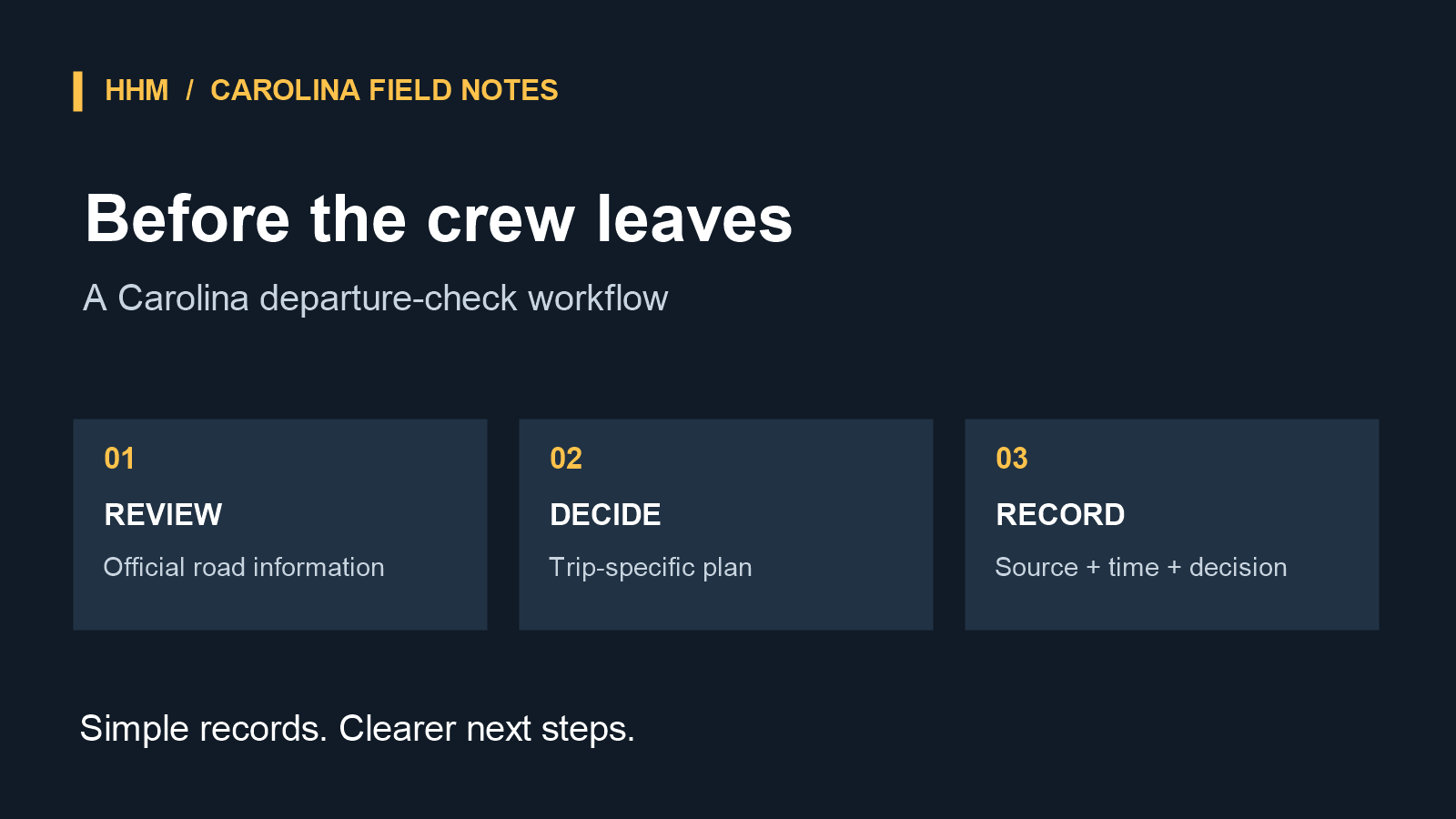
For a contractor crew headed to a Carolina jobsite, the route can change after the work order is assigned and before the vehicles leave. A closure, construction activity, weather-related event, or incident may affect the planned path. The useful operating question is not whether a crew can predict every delay. It is whether the team checked the best available official traveler information before departure and can show how it handled a known disruption.
That is why a short, repeatable road-closure check belongs in the morning dispatch process. In North Carolina, DriveNC is NCDOT’s traveler-information map. Its map includes closures, incidents, road work, weather incidents, cameras, message signs, and upcoming events. In South Carolina, 511SC provides SCDOT traveler information, including incidents, construction, congestion, weather, other events, message signs, and traffic cameras.
Make the check specific to the crew’s actual trip
A broad statewide glance is less useful than a route-specific review. Before the crew leaves, the dispatcher or designated lead can enter the planned origin and destination, then review the route for active closure, construction, incident, and weather entries. If the day’s work requires multiple stops, each leg deserves its own quick review; a clear first leg does not establish the status of the next one.
DriveNC lets users enter start and end locations, review generated routes, and adjust a route on the map when needed. Its help guidance also describes changing a route by moving a waypoint away from a closure when a generated route is not suitable. That feature can help an office team document the operational alternative it selected, rather than relying on an informal verbal instruction such as “take the back way.”
Traveler-information maps do not verify truck or trailer clearance, weight restrictions, or route suitability for a particular vehicle or load. A map result is a pre-departure information check, not a guarantee that an alternative is appropriate for the crew’s equipment. Review the information before driving, never interact with these systems while driving, and heed current closures, signs, and traffic controls.
The check should be made close enough to departure to be relevant to that trip. It should also be repeatable: the same person, or a clearly assigned backup, should know which state system applies to each segment. For a route crossing the state line, review both official systems rather than assuming an event will appear in only one.
Turn a route change into a simple decision record
When the review identifies an event that changes the planned route, capture a short decision record before dispatching the crew. This does not need a complicated new platform. A dispatch log, work-order note, or shared operations form can preserve the essentials:
- date and time of the check;
- reviewer’s name or initials;
- crew, vehicle, and jobsite or work-order reference;
- planned route or key road segments;
- official source reviewed and the event observed;
- operational route selected or departure plan retained;
- reason for the choice; and
- any customer, project manager, or crew notification made.
Hypothetical example: “6:35 a.m.; dispatch initials; crew and work-order reference; a state traveler-information construction alert reviewed; route decision noted in the dispatch record; project contact advised that the arrival estimate may change.” This record does not claim the alternate path will remain available or establish a guaranteed arrival time. It preserves the information available at the time and the business decision made from it.
Use a clear standard for changing the plan
Not every map item needs to trigger a route change. The operational standard can be straightforward: document a change when official information shows a closure or a disruption that materially affects the planned path, and document that the route was retained when the team reviewed a relevant item but determined no change was needed. Consistency matters more than creating a separate rule for every alert type.
Keep the source record practical. A saved official link or event identifier in the work order can help later if a customer asks why the crew’s plan changed. Avoid treating traveler information as a guarantee. SCDOT’s 511SC disclaimer says material on its website cannot be guaranteed for accuracy or timeliness and may change. That limitation is another reason to record the check time and treat the entry as a snapshot of the pre-departure decision.
Over time, these short records create a more dependable dispatch habit. They make the handoff between office and field clearer, give project teams a concrete explanation when a known disruption affects the day, and distinguish a documented routing decision from an assumption made after the fact. For related equipment-readiness considerations, see HHM’s construction fleet planning resource.
Sources: NCDOT DriveNC overview; DriveNC help; SCDOT 511SC.