
Most homeowners can name what is in the house: a refrigerator, range, washer, dryer, water heater and a few chargers or power tools. What is harder to find when a product recall appears is the model number, serial number, manufacture date or date code that shows whether your unit is included.
That is where a household appliance and product inventory helps. It is not a home inspection report, a repair log or a catch-all safety checklist. It is a simple reference file containing the identifiers printed on products you own or use.
In many North Carolina and South Carolina homes, begin with appliances left by a previous owner. You may not have the receipt, box or manual for a refrigerator, range, dishwasher or water heater—but its rating plate can still provide details for comparing a recall notice. Add later purchases as you go.
Why the brand name is not enough
A recall can apply to only certain versions, batches or production ranges. CPSC recall notices identify the products covered, and some notices require identifiers such as a model number or date code before a consumer can confirm whether an item is included.
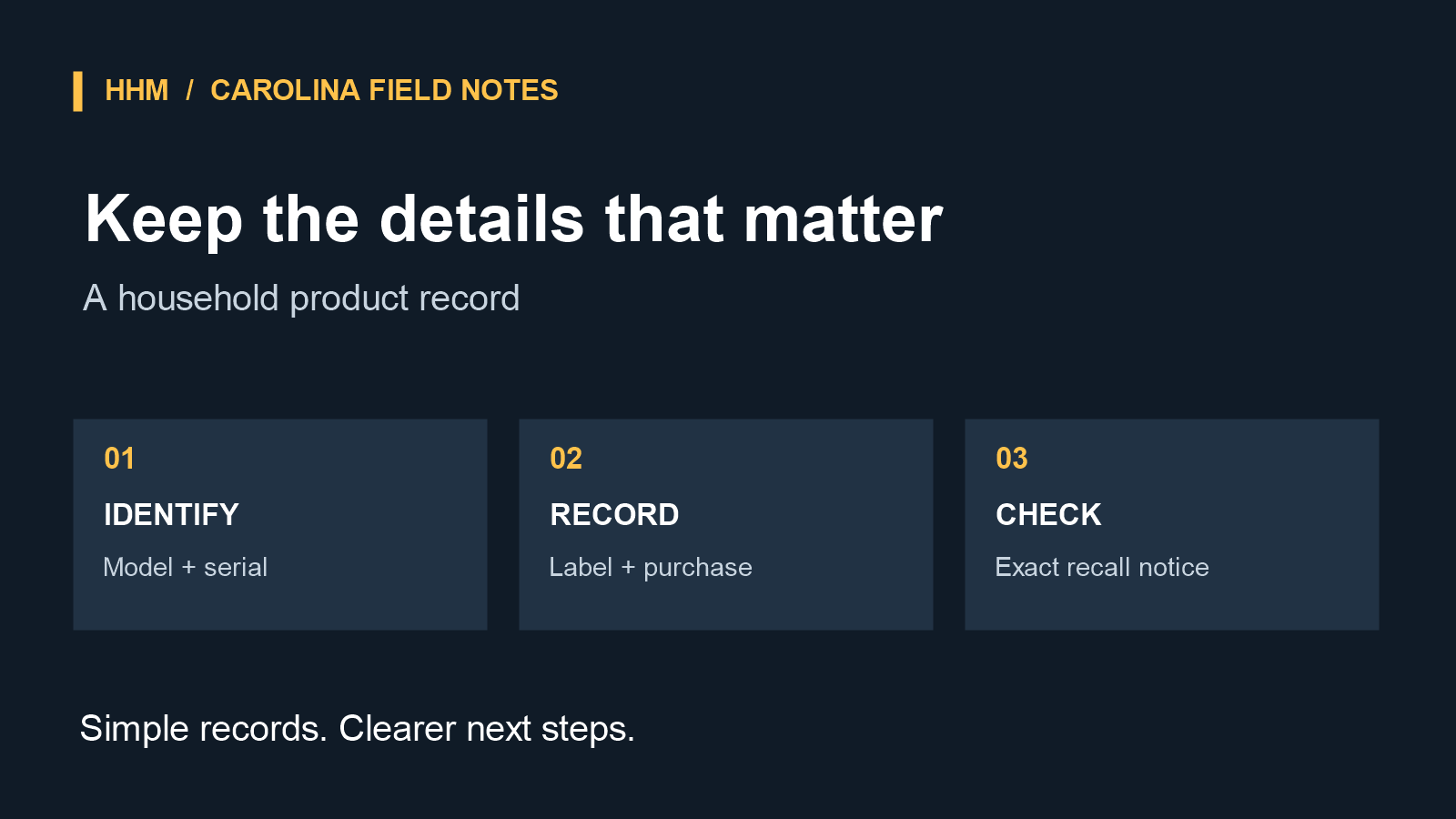
“We have that brand” is a starting point, not an answer. A model identifies a product version; a serial number may identify a production run or unit. A date or batch code can also matter. Recording the label turns the follow-up into a quick check.
Make one record per item
Use a notes app, spreadsheet, shared document or paper binder—whatever your household will keep. Create an entry for each major appliance and smaller products with a label, battery or charging component.
Each entry can include:
- an item name and location, such as “garage chest freezer”;
- brand and product type;
- the model number, copied exactly as shown;
- the serial number, if one is present;
- any manufacture date, date code or batch code on the label;
- purchase month and year, if known; and
- a clear photo of the product label and receipt, if available.
Copy identifiers exactly, including spaces, dashes and letters. A zero and an O, or a 1 and an I, are easy to confuse. A label photo provides a second way to verify the entry later.
Begin with labels that are easy to access
You do not need to inventory the whole house in one afternoon. Start with products that are expensive, used frequently or likely to have a detailed rating plate: kitchen and laundry appliances, water heaters, HVAC equipment, dehumidifiers, window air conditioners, generators, space heaters, power tools, battery packs, chargers and connected-home devices.
Then add portable power banks, e-bikes and scooters, exercise equipment, furniture with powered components and nursery products. If you choose to register a product, the inventory keeps its details handy.
Capture label information only when it is safely accessible. Do not move heavy appliances, remove panels or reach around hot equipment merely to finish the record. For a range, for example, wait until it is cool before looking for a rating label. “Not recorded yet” is a useful temporary status.
Use the record when a recall appears
When you see a recall notice, start with the CPSC Recalls & Product Safety Warnings database. Search the brand or product type, open the notice and compare its included identifiers with your record. Save the recall URL and number beside the entry, along with the date checked.
Use the official notice rather than a social-media post or retailer headline. CPSC recall notices state the consumer action. CPSC’s database lists remedies that can include refund, repair, replacement, disposal or new instructions; remedy availability can change, so keep the original link rather than a copied summary. If a company does not respond, the agency offers a recall complaint form.
Keep the system easy to live with
Store the inventory where a partner or trusted household member can find it, and avoid mixing unnecessary personal information into the same file. Consider a calendar reminder after major purchases, at move-in or during seasonal routines. The goal is not a perfect database; it is a record available when you need an exact identifier.
If you are planning a custom home or substantial renovation, a product record can also help organize appliance choices, finish selections and product documentation as the project takes shape. Explore HHM project-planning calculators to organize the next stage of your home project. The inventory is not a safety certification.
A household recall inventory will not decide whether a product is affected. It does something more modest and useful: it gives you the exact references needed to find out.